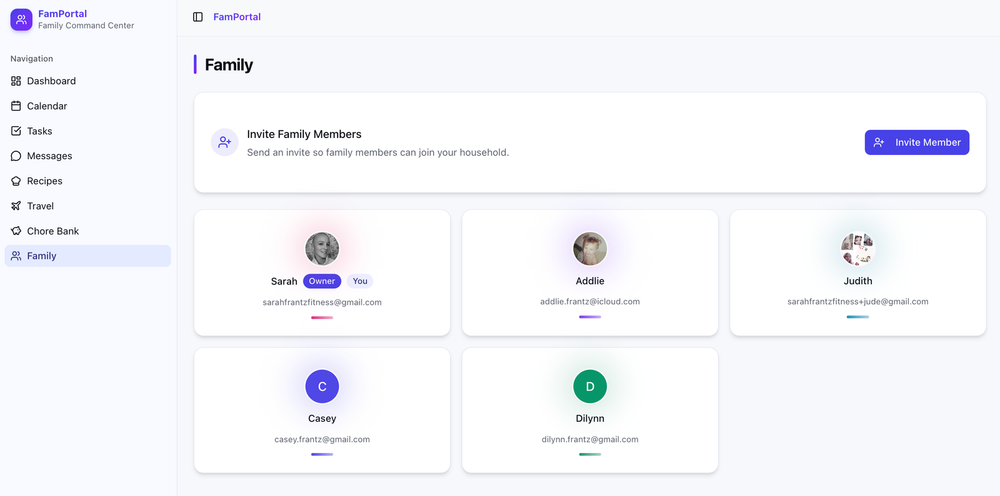
On Friday night, I had been sitting on the couch with Casey looking through the App Store on my phone to find a scheduling app that I could share with my family, to keep our schedules in-sync, not just for us specifically, but so I could share our schedule with extended family members too – e.g. the grandmas and grandpas.
Everything app I found came at a cost, and either had too many features, or not the features I felt like I needed or wanted to spend money on. For context, we've got 3 kids all involved in club sports, and keeping track of where everyone needs to be is tough, and reminding extended family of where XYZ child is playing at any given moment is usually an afterthought. This gave me an idea – why not just make what I need?
I've been meaning to use Claude more, to get a feel for how it works, and see what it's capable of, and to say I am impressed is an understatement.
The Idea
For my scheduling needs, I wanted an app that would:
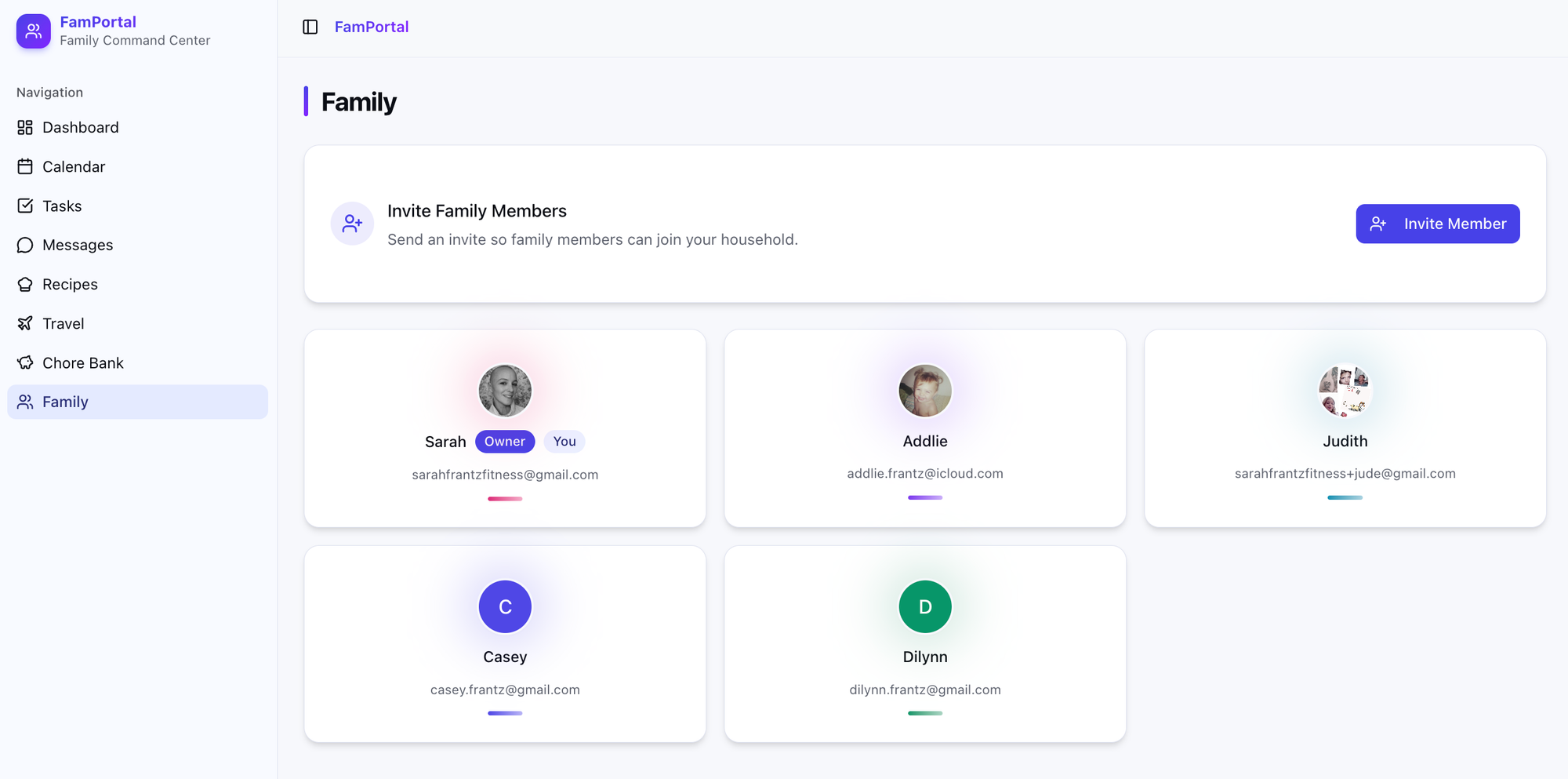
- Allow me to create a family "hub" of sorts, where I could invite members to my family hub – only those who are invited should have access to view things within the app
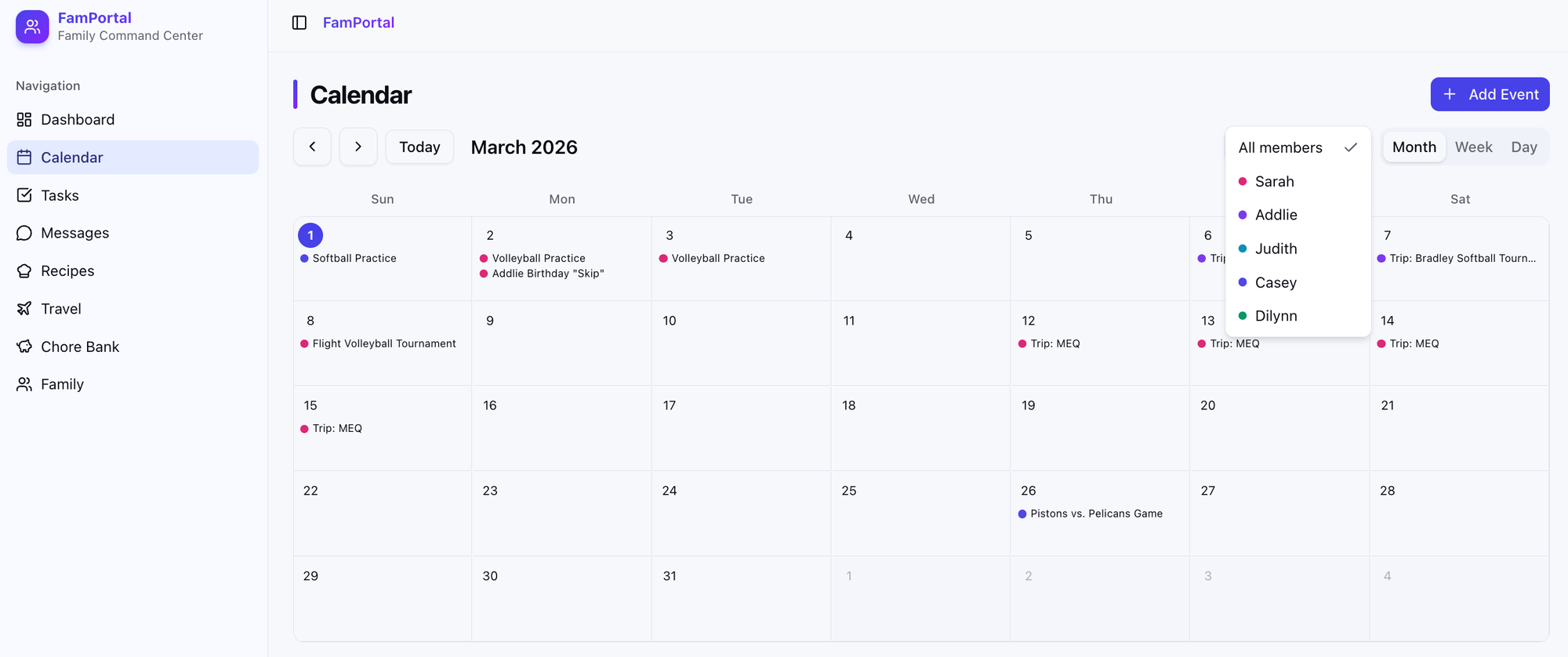
- Allow the creation of calendar events
- The calendar needed to have a month, week, and day view
- You need the ability to assign events to specific (or multiple) family members
- It needed a filter, so I could filter calendar events by family member, and still see everything at a glance for all members by default.
- Allow the creation of tasks
- I should be able to create tasks, and assign a due date to them
- Tasks need to be able to be assigned to specific family members
- I needed specific categories of tasks
- I needed the ability to filter tasks by family member at a glance
- Include a Trip organizer
- We travel a lot for sports, so I needed the ability to create a "trip" event
- The trip needed to be automatically added to the calendar, and support assigning members to it
- It needed to allow for me to add things like hotel reservation numbers, addresses, etc
These items were the bare minimum features I needed, so I fed all of this to Claude.
The tech
I'm not an engineer by any means. It has been AGES since I've touched any sort of code, but I do know just enough about a few things, so I wanted to make sure it used a stack I could at least get setup and understand a little.
I decided to go with:
- Next.js for the framework
- Supabase for the database
- Mailgun for sending
- and decided on deployment on Netlify
I've never actually worked with Supabase until this project, but I appreciated how easy the UI was.
Given this wasn't going to be an iOS app, I still wanted to be able to use it from my phone, or my computer – so I also told AI it should be a PWA, so that it would feel like a native app and give me notifications.
The development
After giving Claude all of these details, I also decided to give it full control to build without having to accept every single edit manually. What was I going to do anyway? I don't know how to actually build any of this.
After about 20 or so minutes, it was finished, and I had a few things I needed to do on my end (e.g. setup my Supabase account, give Claude the API keys it needed to continue, setup variables in Netlify, etc).
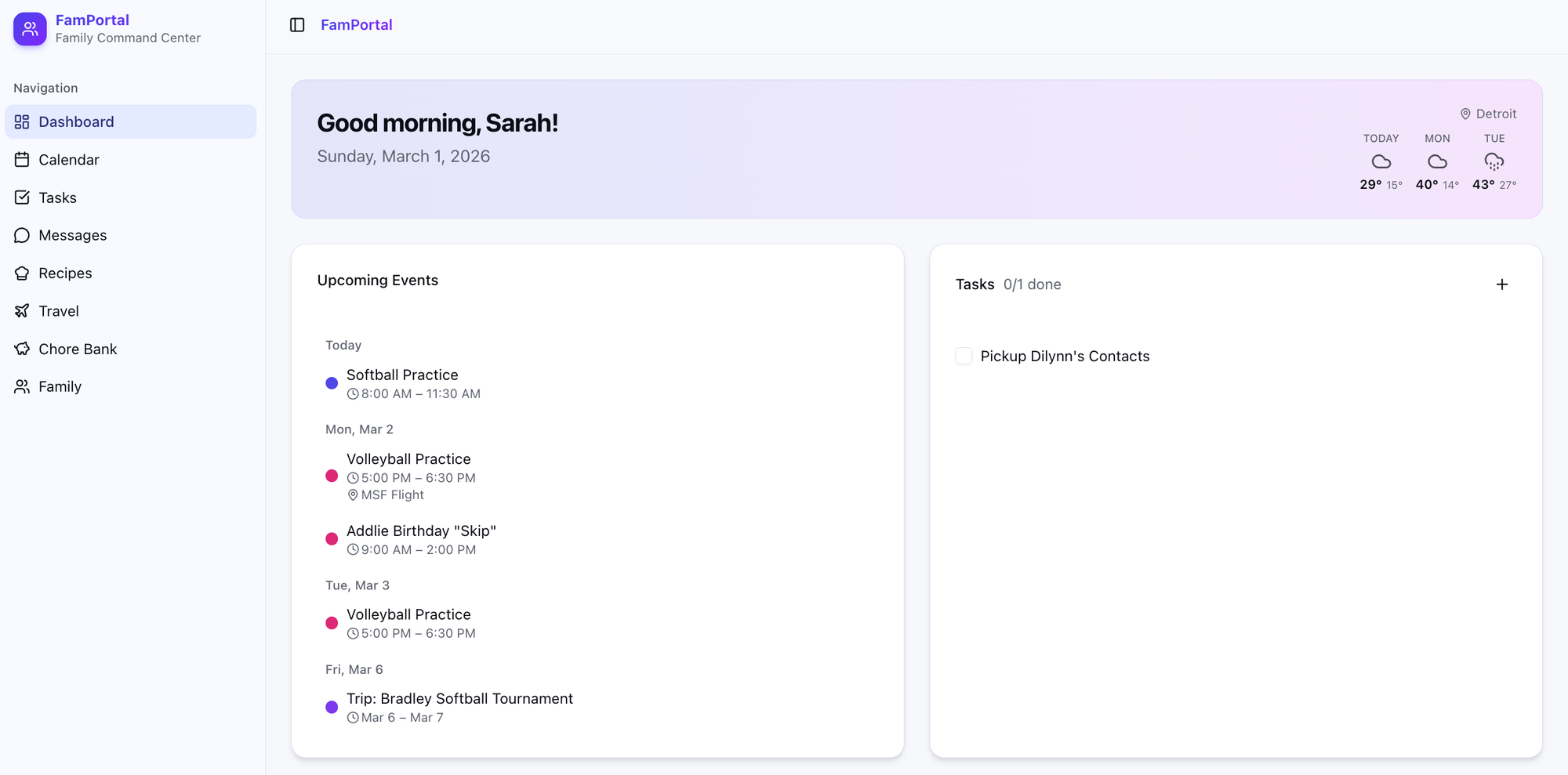
I was honestly surprised at how little time this took from prompt to finish, and that the app worked so effortlessly when I actually tested it out. There were a few slight issues initially, though to no fault of Claude (I hadn't been specific enough with how I wanted things), but once those were resolved, it was up and running!
The result
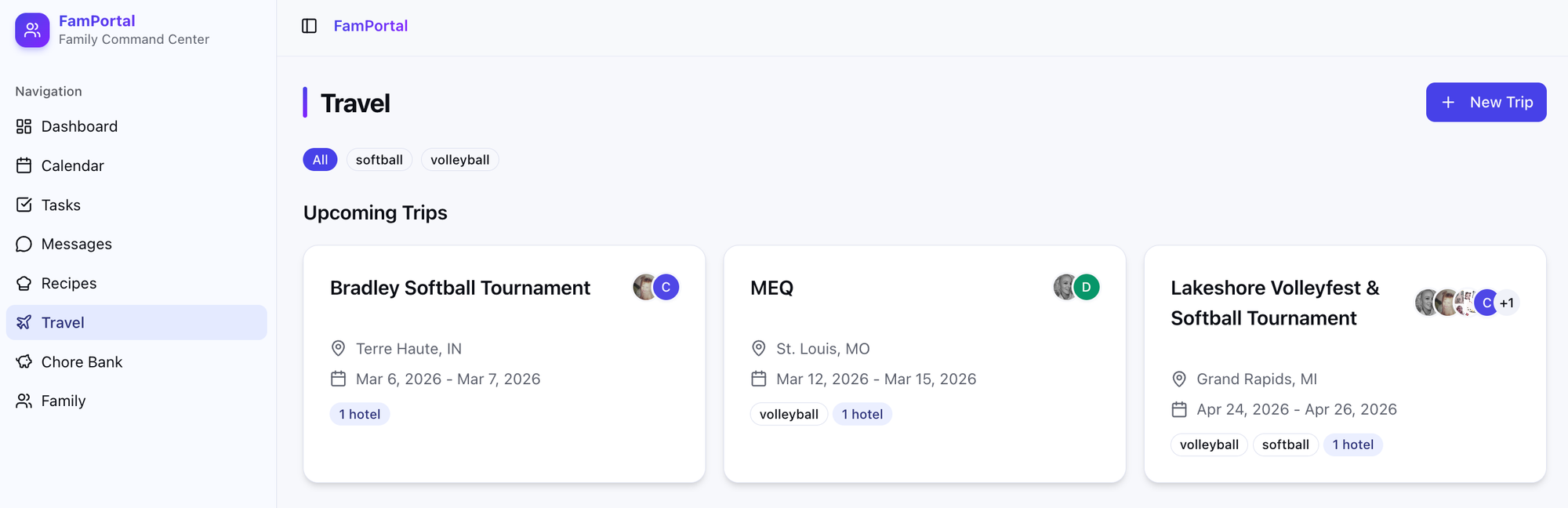
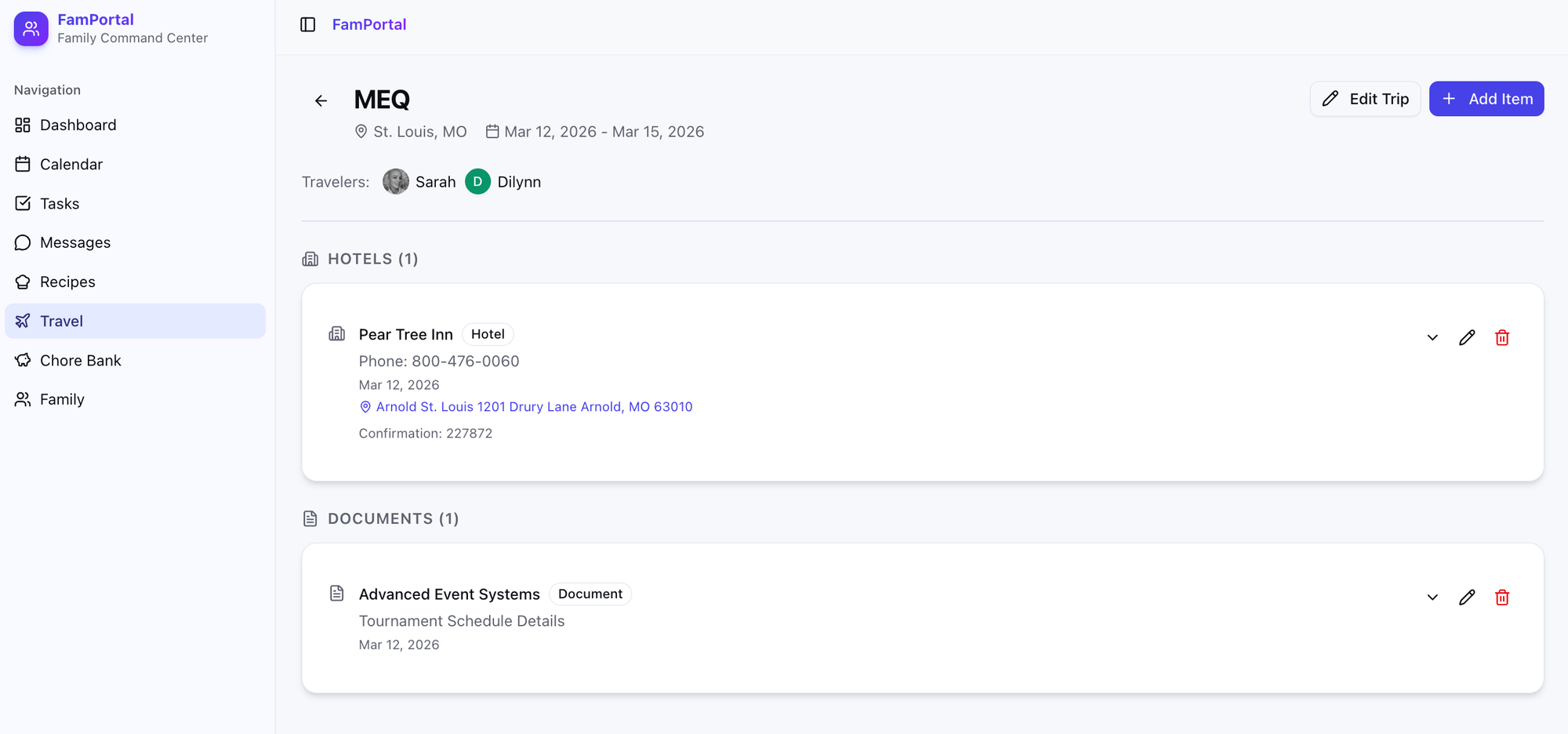
Bonus add
Once I had everything the way I wanted it, I wanted to add more value and incentive to get the kids to use it. I am constantly asking the kids what they have going on, and my hope is that they can add their plans to the shared calendar so we are all on the same page, but if there was a reason to login every day, that might help. Enter the Chore Bank.
The chore bank is a feature where I can add chores and set a dollar value to them. Chores appear in the chore bank area of the dashboard, or in the Chore bank area, and the kids can "claim" chores to do.
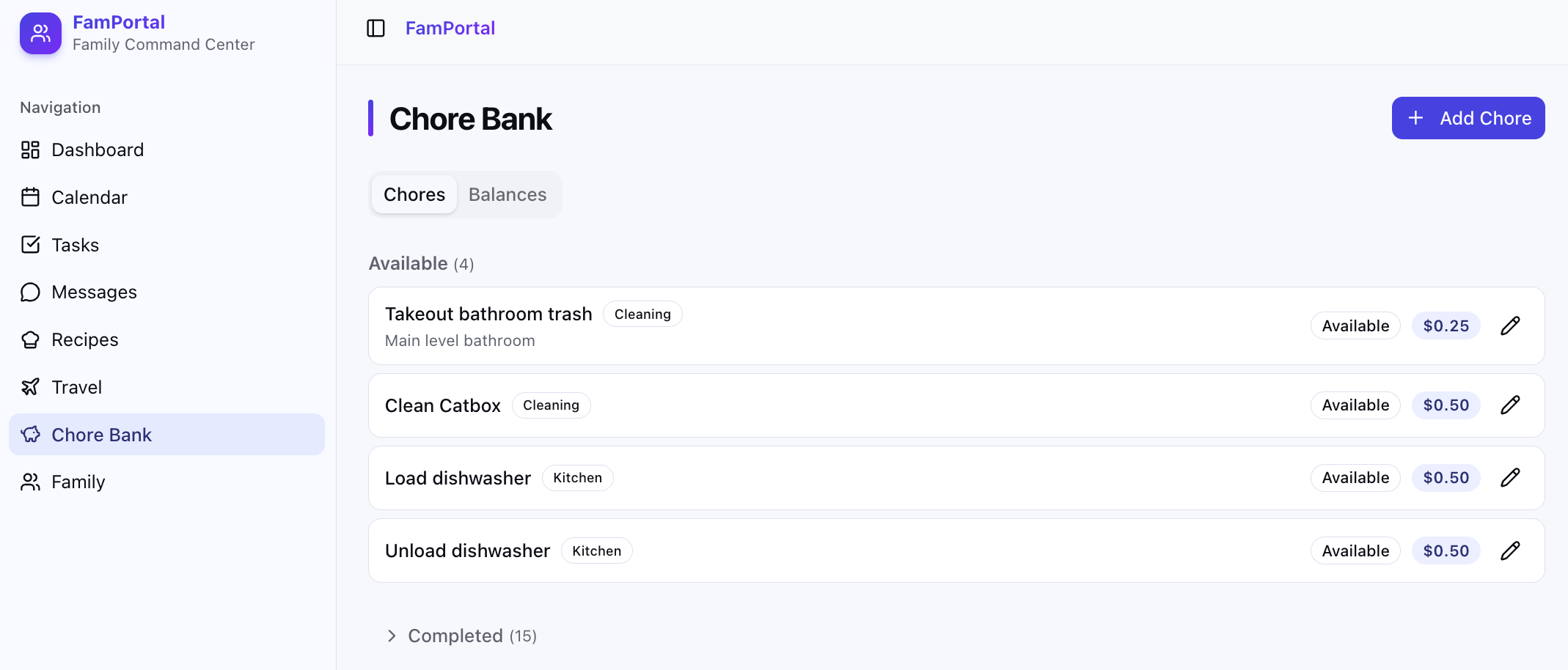
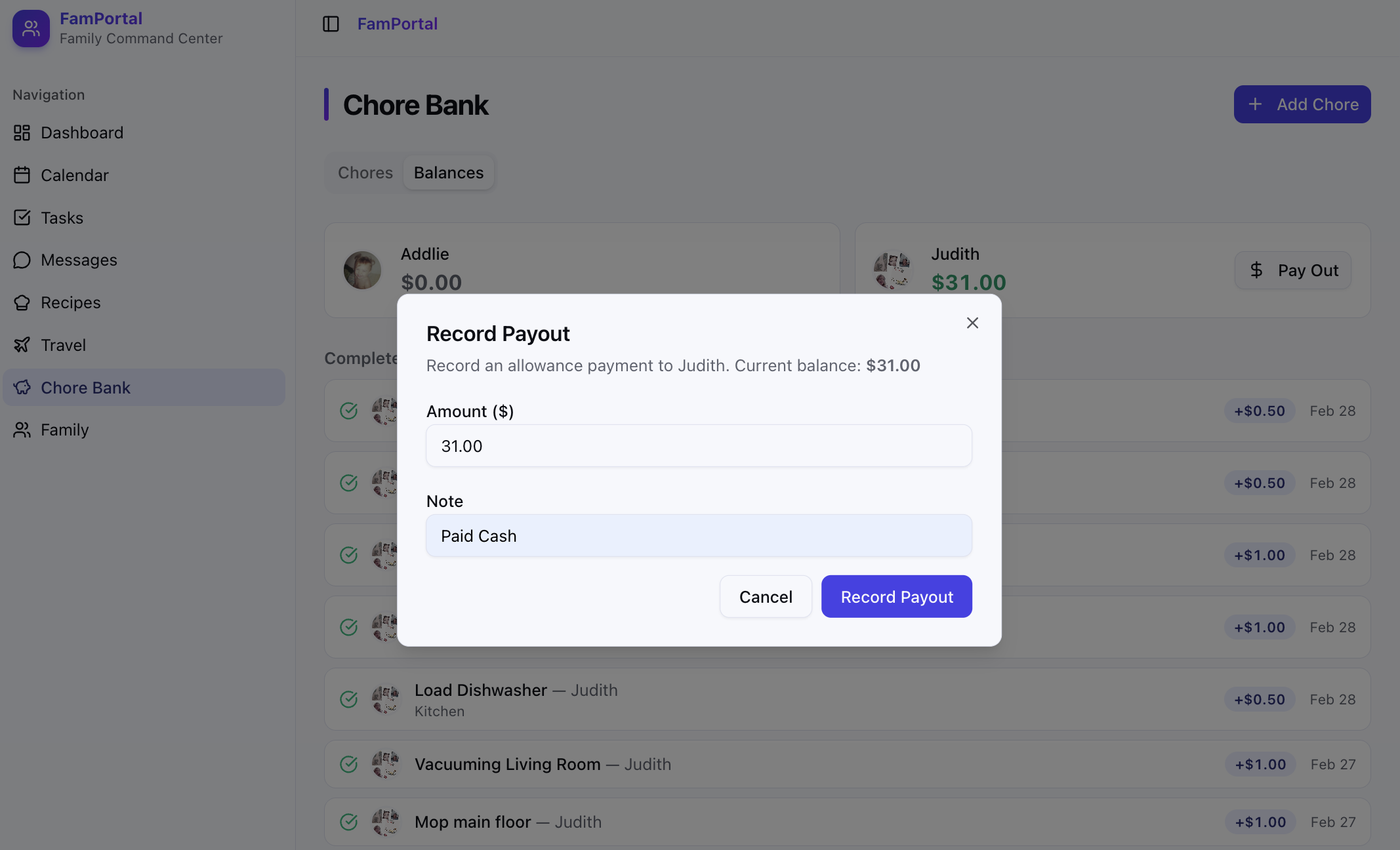
Family members can claim a chore, and mark it as completed when they are done. Then, the owner user (myself) has to approve that it's been completed. Once approved, this adds the dollar amount to the family member's balance:
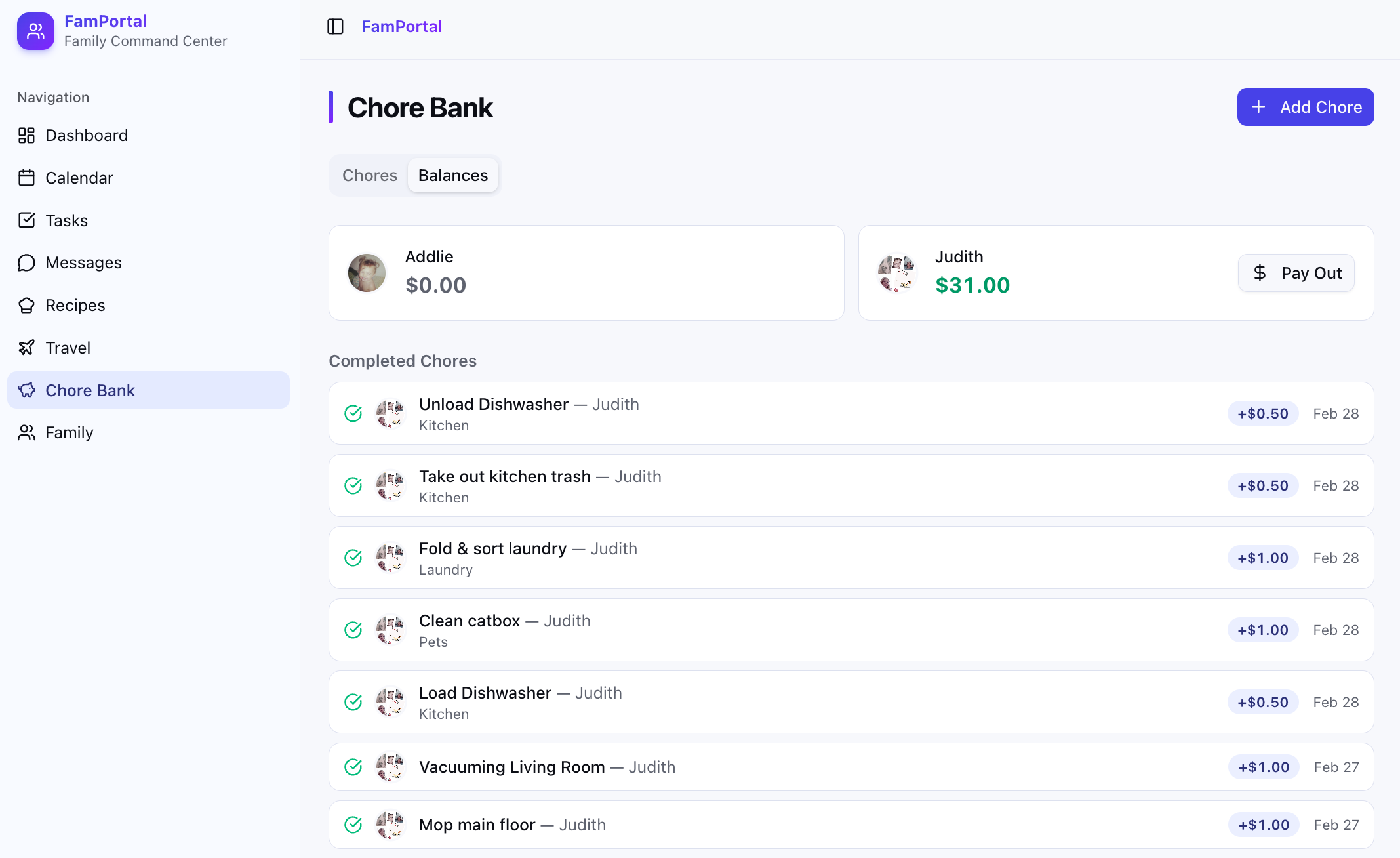
As you can see, Jude has been using this quite frequently since added, and has somehow managed to do quite a bit of work around the house!
Obviously this isn't connected to any sort of payment system, so when I pay her for her work, I can click the "Pay Out" option, and notate I paid her cash, and its all recorded.
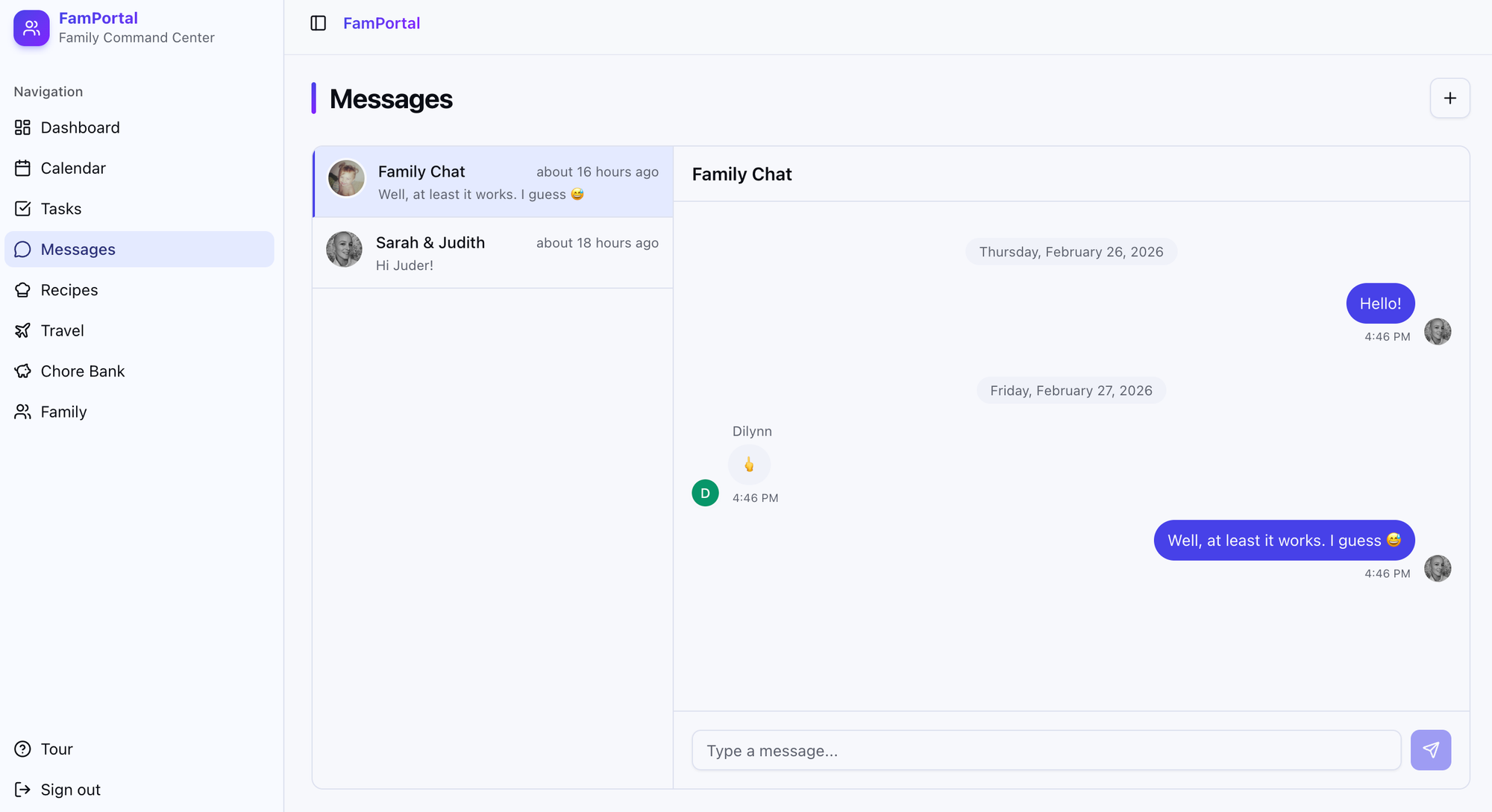
I also added a less exciting messaging system, which was more so for fun – because let's face it, the kids will just text me anyway. Dilynn wasn't excited about it.
Conclusion
This entire project took 20-30ish minutes to make, a few hours to tweak, and a weekend of usage to make adjustments to – but it was all built entirely by Claude, which is absolutely wild. I am VERY excited to continue using this, and am happy to have a solution that works for our family, exactly the way I want it to.
Comments